

Every successful mobile app starts with a great idea, but turning that idea into a user-friendly product requires careful planning. Jumping straight into development without validating the design often leads to expensive revisions, delayed launches, and a poor user experience. That is why prototyping has become an essential step in the mobile app development process.
According to the IBM Systems Sciences Institute ya similar, fixing an issue after a product is released can cost up to 15 times more than resolving it during the design phase. This highlights why businesses invest in prototyping before writing a single line of production code. Early feedback helps teams identify usability issues, improve workflows, and reduce development risks.
Today, modern mobile app prototyping tools enable designers, developers, and stakeholders to visualize ideas, test user journeys, and collaborate efficiently before development begins. Whether you are building an MVP, an enterprise application, or a consumer-focused mobile app, selecting the right prototyping tool can save both time and money.
What is Mobile App Prototyping and Why Does It Matter?
Mobile app prototyping is the process of creating an interactive version of an application before actual development begins. Unlike static wireframes, prototypes simulate the user experience by allowing users to click through screens, navigate menus, and interact with design elements.
Think of a prototype as a working blueprint. It helps everyone involved understand how the final product will function before developers invest time in coding.
Benefits of Mobile App Prototyping
- Validates app ideas early
- Improves user experience through testing
- Identifies usability issues before development
- Saves development time and costs
- Speeds up stakeholder approvals
- Enhances communication between designers and developers
- Reduces project risks
Instead of making costly changes after launch, businesses can refine the product while it’s still in the design stage.
How We Evaluated These Tools
Not every prototyping platform serves the same purpose. Some focus on UI design, while others excel in developer handoff or advanced animations.
We evaluated these tools based on the following factors:
| Evaluation Criteria | Why It Matters |
|---|---|
| Ease of Use | Helps beginners and professionals work efficiently |
| Interactive Prototyping | Supports realistic user interactions |
| Collaboration | Enables teams to work together in real time |
| Developer Handoff | Simplifies implementation for developers |
| Platform Support | Works across web, Android, and iOS |
| Pricing | Suitable for different budgets |
| Integrations | Connects with design and development tools |
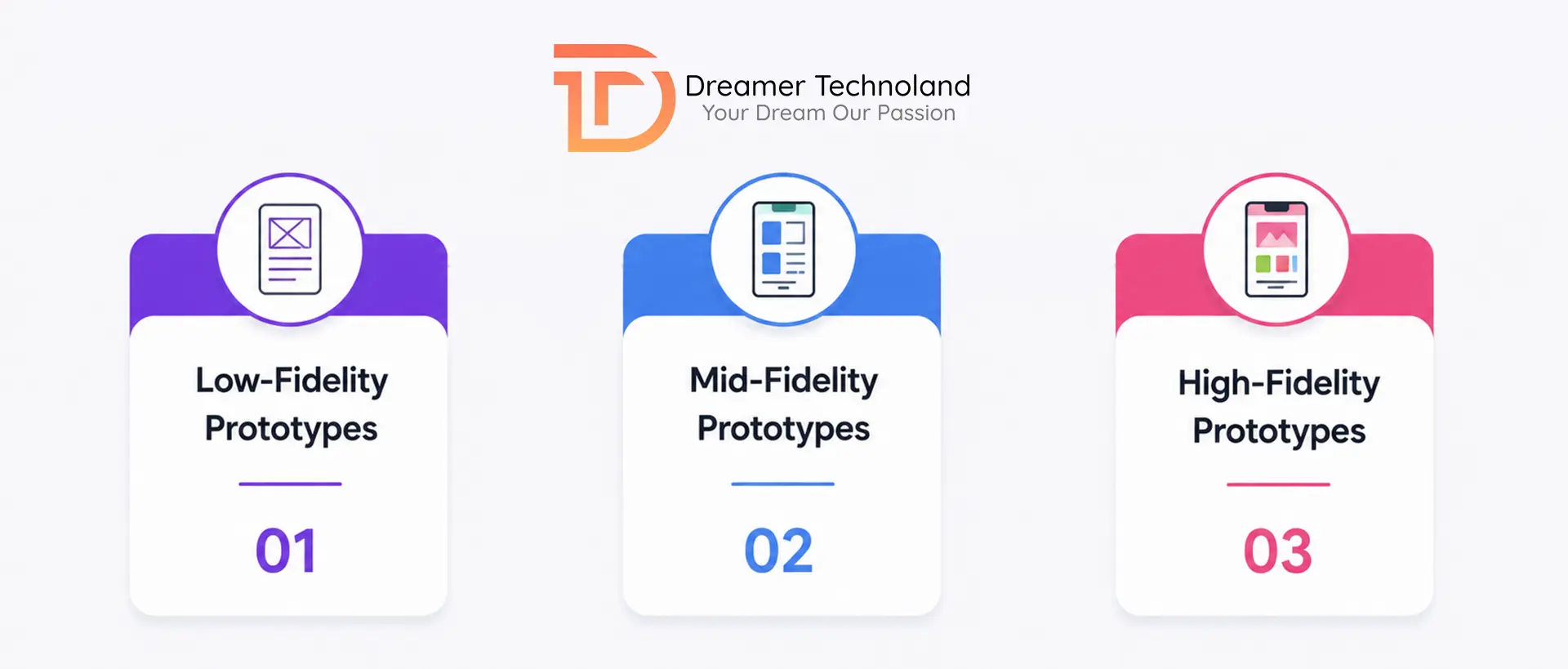
Types of Mobile App Prototyping
Understanding different prototype types helps you choose the right approach for each project stage.
-
Low-Fidelity Prototypes
These are simple sketches or wireframes used to validate layouts and navigation.
Best For:
- Brainstorming
- Early planning
- Initial stakeholder discussions
-
Mid-Fidelity Prototypes
These prototypes include colors, icons, buttons, and navigation while remaining relatively simple.
Best For:
- User flow validation
- Feature discussions
- Client presentations
-
High-Fidelity Prototypes
These closely resemble the final application with animations, gestures, and interactive elements.
Best For:
- User testing
- Investor presentations
- Developer handoff
Top 20 Mobile App Prototyping Tools
-
Figma
Figma has become the industry standard for UI and UX design. Its browser-based platform enables multiple team members to collaborate in real time without installing software.
Key Features
- Real-time collaboration
- Interactive prototypes
- Design systems
- Auto Layout
- Developer inspection
- Extensive plugin library
Best For: Startups, enterprises, agencies, remote teams
-
Adobe XD
Adobe XD provides powerful design and prototyping capabilities while integrating seamlessly with Creative Cloud.
Key Features
- Voice prototyping
- Auto animations
- Component states
- Responsive resizing
- Cloud collaboration
Best For: Adobe Creative Cloud users
-
Sketch
Sketch remains one of the most popular design tools among macOS users.
Key Features
- Vector editing
- Shared libraries
- Interactive prototypes
- Symbols and reusable components
Best For: Apple-based design teams
-
InVision
Although its popularity has declined, InVision still offers strong collaboration capabilities for design reviews.
Key Features
- Clickable prototypes
- Design collaboration
- Feedback tools
- Version control
Best For: Design review workflows
-
Axure RP
Axure focuses on advanced prototyping for enterprise applications.
Key Features
- Conditional logic
- Dynamic content
- Advanced interactions
- Documentation generation
Best For: Complex enterprise software
-
Marvel
Marvel allows teams to convert static designs into interactive prototypes within minutes.
Key Features
- Simple interface
- User testing
- Handoff tools
- Integrations
Best For: Beginners and startups
-
Proto.io
Proto.io creates realistic mobile prototypes without writing code.
Key Features
- Native mobile interactions
- Gestures
- Sensors
- Animation support
Best For: Mobile-first applications
-
Framer
Framer combines UI design with advanced animations and responsive layouts.
Key Features
- Interactive components
- Responsive design
- CMS integration
- Smart animations
Best For: Modern product teams
-
Justinmind
Justinmind supports both mobile and web prototyping with powerful interaction capabilities.
Key Features
- Drag-and-drop interface
- Rich UI libraries
- Responsive layouts
- User testing
Best For: Business applications
-
UXPin
UXPin bridges the gap between designers and developers by supporting code-based components.
Key Features
- Design systems
- Accessibility tools
- Interactive states
- Code integration
Best For: Enterprise product design
-
Balsamiq
Balsamiq focuses on rapid wireframing rather than polished interfaces.
Key Features
- Hand-drawn style
- Quick layouts
- Low learning curve
Best For: Early-stage planning
-
Mockplus
Mockplus enables fast collaboration between designers and developers.
Key Features
- Ready-made components
- Cloud collaboration
- Developer handoff
Best For: Agile teams
-
Origami Studio
Created by Meta, Origami Studio specializes in advanced interface interactions.
Key Features
- Native animations
- Advanced logic
- Layer control
Best For: High-end interaction design
-
Principle
Principle makes it easy to design beautiful animations.
Key Features
- Timeline animations
- Gesture support
- Transition effects
Best For: UI animations
-
Fluid UI
Fluid UI simplifies mobile app prototyping with cloud collaboration.
Key Features
- Browser-based
- Video presentations
- Team collaboration
Best For: Small businesses
-
Moqups
Moqups combines wireframing, diagramming, and prototyping.
Key Features
- Wireframes
- Charts
- Mind maps
- Interactive mockups
Best For: Product planning
-
Lunacy
Lunacy is a free design platform with built-in AI features.
Key Features
- Offline support
- AI image generation
- Icons
- Illustrations
Best For: Budget-conscious teams
-
Pencil Project
Pencil Project is an open-source solution for creating wireframes and prototypes.
Key Features
- Free
- Open source
- Cross-platform
Best For: Students and startups
-
MockFlow
MockFlow provides a complete design workspace.
Key Features
- Wireframes
- User flows
- Team collaboration
Best For: Product managers
-
Overflow
Overflow helps teams visualize complex user journeys.
Key Features
- User flow diagrams
- Interactive presentations
- Design integration
Best For: UX designers
Comparison of the Top Mobile App Prototyping Tools
Choosing the right app prototyping software depends on your project requirements, team size, and budget. The table below compares some of the most popular tools based on ease of use, collaboration, and ideal use cases.
| Tool | Best For | Collaboration | Free Plan |
|---|---|---|---|
| Figma | UI/UX Design & Team Collaboration | Yes | Yes |
| Adobe XD | Creative Cloud Users | Yes | Limited |
| Sketch | macOS Designers | Yes | No |
| InVision | Design Reviews | Yes | Limited |
| Axure RP | Enterprise Applications | Yes | No |
| Marvel | Beginners | Yes | Yes |
| Proto.io | Mobile App Prototypes | Yes | No |
| Framer | Interactive Design | Yes | Yes |
| Justinmind | Business Applications | Yes | Limited |
| UXPin | Enterprise Teams | Yes | No |
| Balsamiq | Wireframing | Yes | Yes |
| Mockplus | Agile Teams | Yes | Limited |
| Origami Studio | Advanced Animations | Limited | Yes |
| Principle | UI Animations | No | No |
| Fluid UI | Small Teams | Yes | Limited |
| Moqups | Product Planning | Yes | Limited |
| Lunacy | Free UI Design | Yes | Yes |
| Pencil Project | Open Source Projects | No | Yes |
| MockFlow | Product Managers | Yes | Limited |
| Overflow | User Flow Mapping | Yes | Limited |
How to Choose the Right Mobile App Prototyping Tool?
With so many options available, selecting the right mobile app prototyping tool can feel overwhelming. Instead of choosing the most popular platform, focus on what best fits your project requirements.
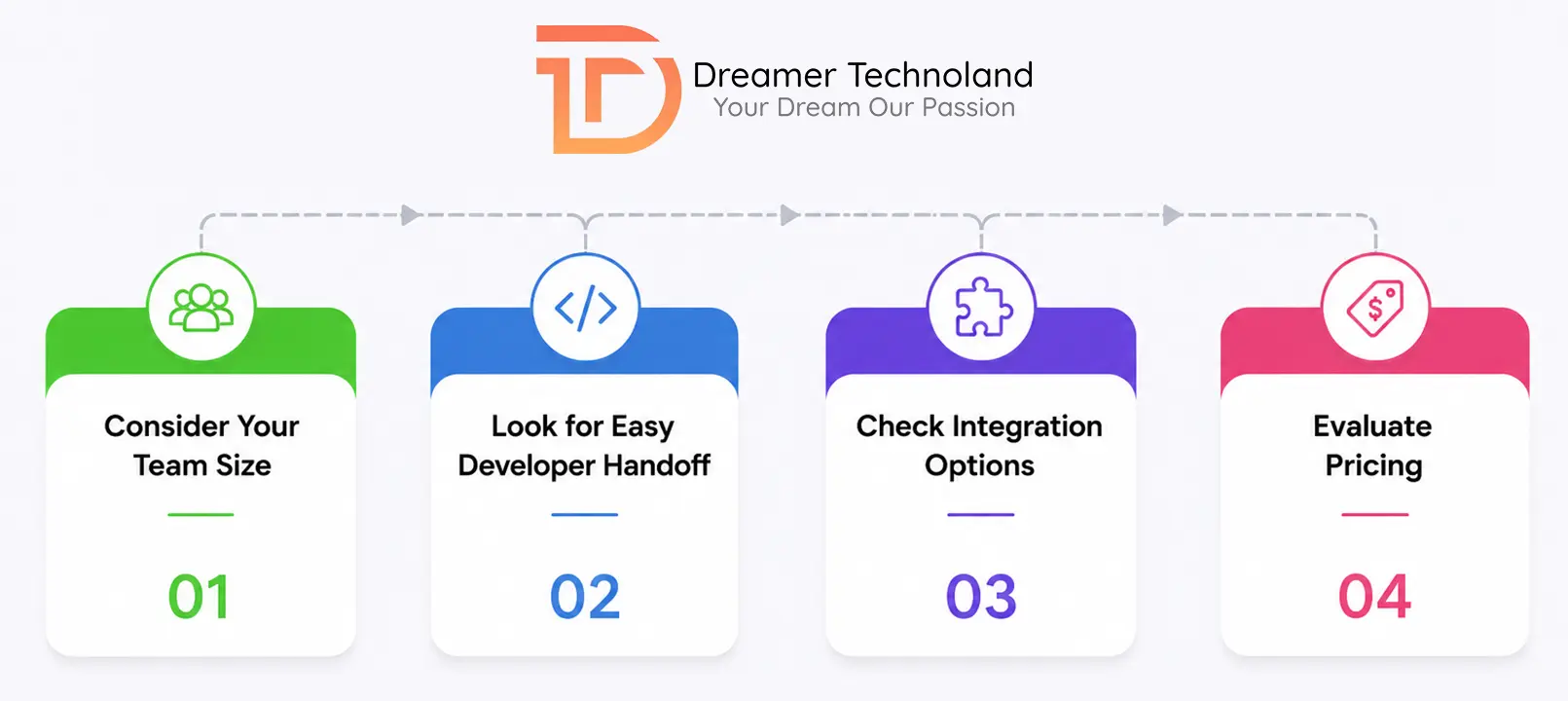
- Consider Your Team Size
If multiple designers, developers, and stakeholders need to collaborate, choose tools like Figma or Framer that support real-time collaboration.
- Define Your Project Complexity
Simple MVPs may only require wireframing tools like Balsamiq, while enterprise applications often benefit from advanced solutions like Axure RP or UXPin.
- Look for Easy Developer Handoff
A good prototyping tool should simplify the transition from design to development. Features like design specifications, asset export, and CSS inspection help developers build the final application more efficiently.
- Check Integration Options
Choose software that integrates with your existing workflow, including Jira, Slack, Adobe Creative Cloud, GitHub, or project management tools.
- Evaluate Pricing
Many prototyping platforms offer free plans suitable for startups and freelancers. Larger organizations may benefit from premium features such as design systems, version history, and advanced collaboration.
Common Mistakes to Avoid During Mobile App Prototyping
Even with the best UI prototyping tools, mistakes during the design phase can lead to delays and unnecessary costs.
- Skipping User Research
Creating prototypes without understanding your target audience often results in poor user experiences.
- Focusing Only on Visual Design
A beautiful interface is important, but navigation, usability, and functionality matter even more.
- Ignoring User Feedback
Prototypes exist to gather feedback. Testing designs with real users helps identify usability issues before development begins.
- Building High-Fidelity Prototypes Too Early
Many teams spend excessive time perfecting visuals before validating the basic user flow. Start with low-fidelity wireframes and gradually improve them.
- Choosing a Tool Based Only on Popularity
The best prototyping tools for mobile apps are the ones that fit your workflow, budget, and project goals, not necessarily the most well-known platforms.
Why Businesses Should Invest in Mobile App Prototyping
Investing time in prototyping provides long-term benefits throughout the development lifecycle.
Businesses that prototype their applications often experience:
- Faster project approvals
- Reduced development costs
- Improved designer-developer communication
- Improved user satisfaction
- Fewer design revisions
- Faster time to market
Whether you’re building an eCommerce platform, healthcare application, fintech solution, or enterprise software, prototyping helps ensure that your final product meets user expectations.
Final Thoughts
Choosing the right mobile app prototyping tool is an important step in building successful mobile applications. From simple wireframes to highly interactive prototypes, each tool offers unique capabilities designed for different project types and team structures.
If your priority is collaboration and flexibility, Figma continues to be one of the strongest choices. For enterprise-grade projects requiring advanced interactions, Axure RP and UXPin provide powerful functionality. Meanwhile, startups and small businesses can benefit from user-friendly options like Marvel, Mockplus, or Balsamiq.
The key is to select a tool that aligns with your workflow, simplifies collaboration, and helps validate ideas before development begins. By investing in the right prototyping process, businesses can reduce costs, improve user experience, and launch better mobile applications faster.
If you are ready to move from prototype to a production-ready app, Dreamer Technoland helps startups and enterprises build mobile applications that are designed, tested, and delivered with precision. Our process starts with a structured prototyping phase so every development decision is grounded in validated user flows. Talk to our team to get started.
Frequently Asked Questions
Q. What is the best mobile app prototyping tool?
A. Figma is widely regarded as one of the best mobile app prototyping tools because of its collaborative features, ease of use, cloud-based workflow, and extensive plugin ecosystem.
Q. What is the difference between wireframing and prototyping?
A. Wireframes focus on the basic structure and layout of an application, while prototypes create interactive experiences that simulate how users will navigate the final app.
Q. Are free prototyping tools good enough?
A. Yes. Tools like Figma, Lunacy, Balsamiq, and Pencil Project offer free plans with enough features for startups, students, and small projects.
Q. Why is prototyping important before app development?
A. Prototyping helps identify usability issues, validate ideas, gather user feedback, and reduce development costs by fixing problems before coding begins.
Q. Which prototyping tool is best for beginners?
A. Marvel, Balsamiq, Mockplus, and Figma are excellent choices for beginners because they offer intuitive interfaces and require little technical experience.